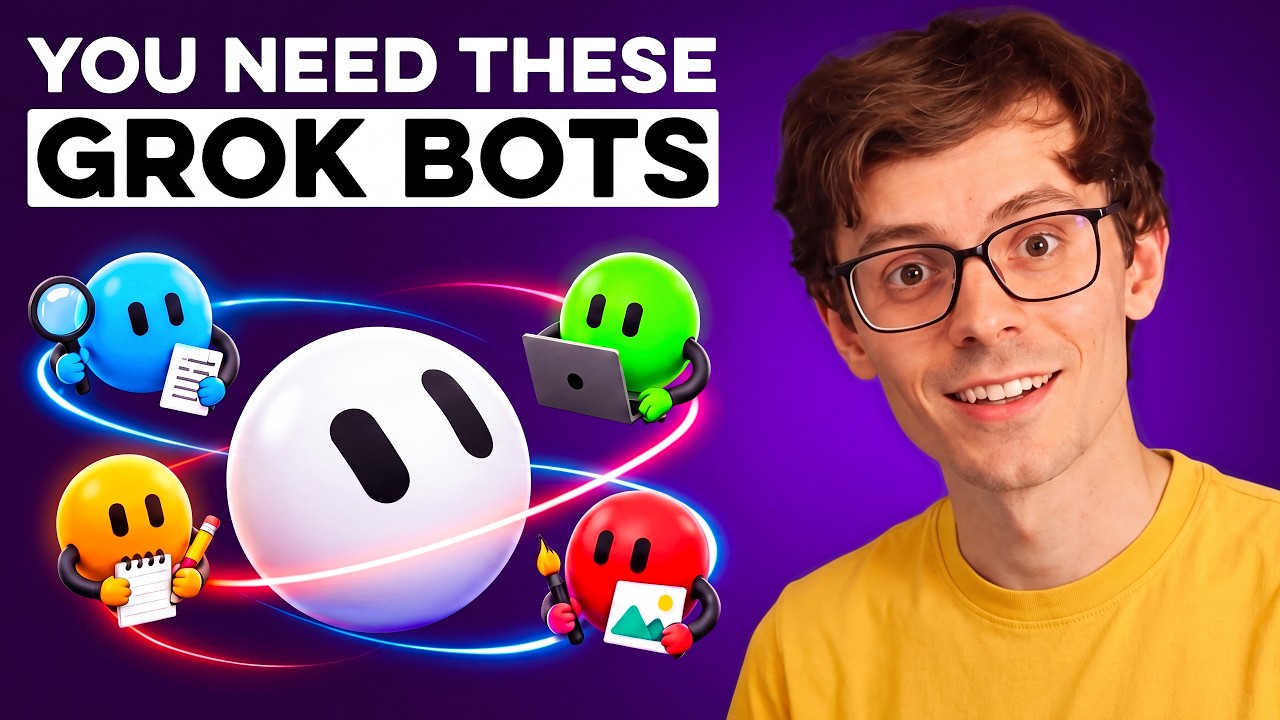
Imagine having a digital employee who doesn't just chat with you, but actually has their own computer, a web browser, and a file system to get work done while you sleep.
The Simple Version
Most AI tools are like talking to a very smart person through a window; they can tell you how to do something, but they can't actually reach out and do it for you. Grok Bot changes this by giving the AI its own "computer" in the cloud.
Think of it like hiring a remote virtual assistant who has their own laptop. You don't just give them a prompt; you give them a job description and a set of tools. They can open a browser, click buttons, save files, and run programs independently of your own device.
How It Actually Works
Grok Bot operates as a system of specialized agents, each with its own identity and set of "standing instructions." These bots aren't just chat windows; they are connected to a persistent cloud environment.
The Cloud Desktop
Every bot has access to a Grok Bot screen, which is a full desktop running in the cloud. This environment includes a browser, a file system, and a terminal. As the video explains, "Every bot gets its own screen, but they all share the same computer," meaning logins and files are shared across your account's bots.
When a bot encounters a website, it can use a direct connector if available. If not, it can navigate the site, read content, and click elements just like a human user. For security or complexity (like CAPTCHAs or passwords), the user can take manual control of the cloud screen.
Bot Configuration
Setting up a bot involves three primary components: the Name, the Label (e.g., Admin, Research, Software), and the Description. The description serves as the bot's permanent operating manual, containing the rules it must always follow.
Technical Deep Dive
From an architectural perspective, Grok Bot represents a shift from Chat-based AI to Agentic AI. While a standard LLM predicts the next token in a sequence, an agentic system uses a loop of perception, reasoning, and action.
The "computer" mentioned in the video is essentially a virtualized environment (likely a Docker container or a VM) where the LLM can execute code and interact with a headless browser (such as Playwright or Puppeteer). This allows the bot to handle unstructured web data without needing a formal API. For example, the "Air Watch" bot can monitor prices by reloading pages and parsing the DOM, recording missing data as "unknown" rather than hallucinating a price.
The most advanced part of this setup is Hierarchical Agent Orchestration. In the video, a bot named "Dispatch" acts as a manager. It doesn't do the research itself; instead, it sends requests to other bots, collects their outputs, and synthesizes them into a single dashboard. This is a common design pattern in multi-agent systems where a "Router" or "Manager" agent decomposes a complex goal into sub-tasks for specialized workers.
Furthermore, the "Architect" bot demonstrates Meta-Prompting. It is an agent designed to create other agents. By taking a plain English description, it generates the system prompt (standing instructions) and the initial task for a new bot, effectively automating the software configuration process.
Why This Matters
This approach solves the "context switching" problem that plagues modern productivity. Instead of a human manually copying data from a browser to a spreadsheet and then to a calendar, the bots handle the data pipeline end-to-end.
Compared to traditional RPA (Robotic Process Automation), which relies on rigid, brittle scripts that break if a button moves one pixel, Grok Bot uses the reasoning capabilities of an LLM to adapt to website changes. This makes automation accessible to people who cannot write Python or JavaScript.
However, this power comes with risks. Giving an AI agent access to a browser and file system requires strict guardrails. The video emphasizes this by instructing bots to "stay read only" or "show a plan before making a change," which is a critical safety pattern for any autonomous agent interacting with real-world data.