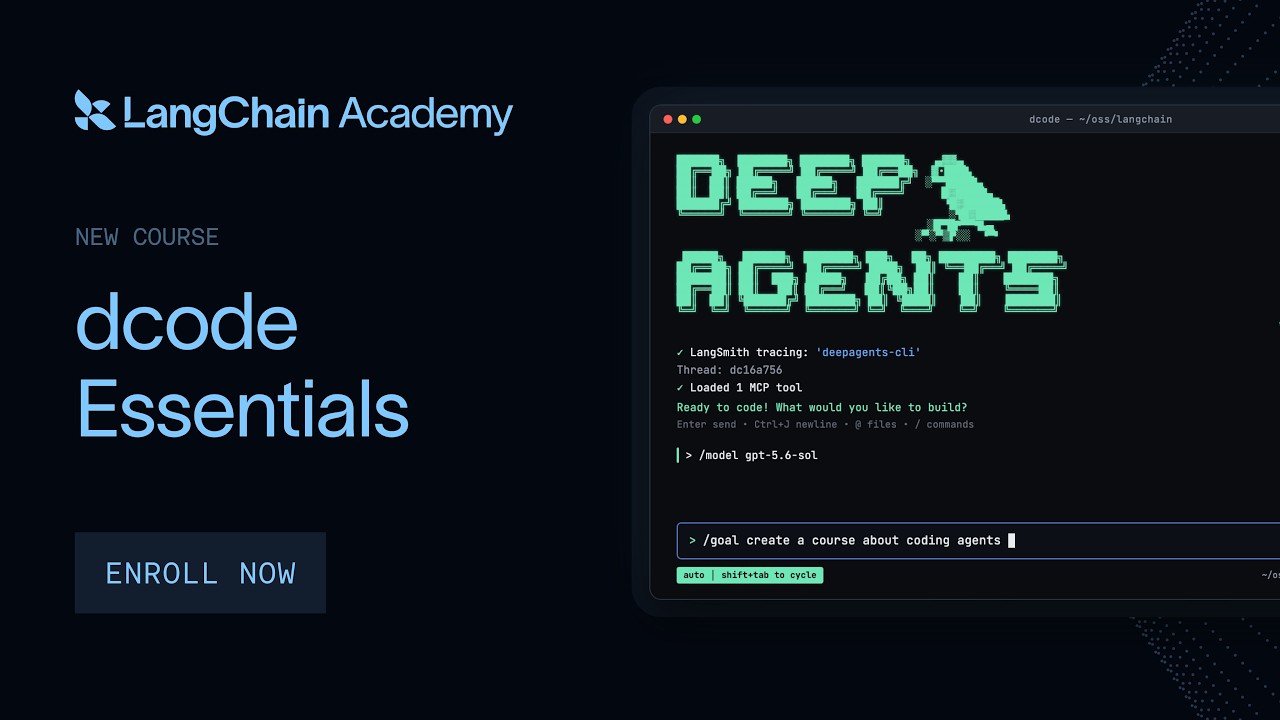
Want a coding assistant that can swap models mid‑task and keep your budget in check?
The Simple Version
dcode is a terminal‑based AI agent that works with any model that supports tool calls. You install it, give it goals, and it executes code for you. The course teaches you to run it safely in a team setting.
How It Actually Works
Core Idea
It runs inside your terminal, calling tools just like a human would.
Model Switching
Because it's model‑agnostic, you can change the underlying LLM without restarting the agent.
Enterprise Controls
Features include goal definitions, rubrics, sub‑agents, and spend limits to prevent runaway costs.
Technical Deep Dive
Open‑Source Terminal Agent
Deep Agents Code is released under an MIT‑style license, so you can inspect every line.
Tool Calling
The agent uses a tool‑calling pattern that lets it request external APIs, databases, or scripts.
Cost Tracking & Limits
Built‑in metrics record token usage and translate it into dollars, letting admins set org‑wide caps.
Why This Matters
Teams often get locked into proprietary AI platforms that limit customization and inflate costs.
dcode gives you the freedom to audit, modify, and control AI behavior while staying within budget.
This shift can reduce vendor lock‑in and empower developers to build truly portable AI workflows.
Key Takeaways
- dcode lets you run AI agents in any terminal that supports tool calls.
- It works with multiple LLMs, enabling easy model swaps.
- Enterprise features include goal rubrics, sub‑agents, and spend limits.
- Being open source, you can audit and own the code.
- Cost tracking helps prevent unexpected AI spending.
- The course guides you from local install to enterprise deployment.
- You retain full control over your team's AI intelligence.