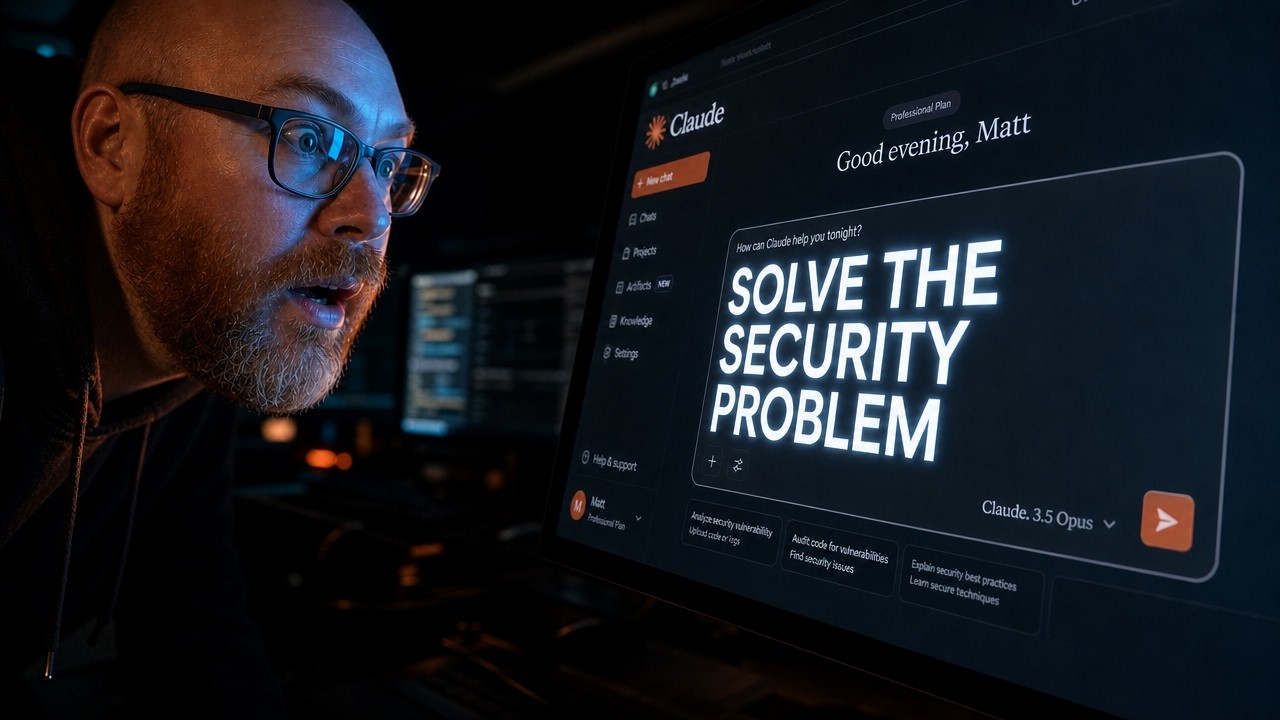
Imagine giving a stranger the keys to your house and your bank vault just because they promised to organize your mail. That is essentially what happens when you connect cloud-based AI to your most private local files.
The Simple Version
Claude Desktop uses something called MCP to read your emails, files, and bank statements without you having to copy-paste them. It feels like magic, but there is a catch: your data is being uploaded to a cloud server to be processed.
If you are handling sensitive information, relying on a company's "privacy policy" isn't enough. You need hardware-based privacy, where the data physically never leaves your machine.
How It Actually Works
The Model Context Protocol (MCP)
MCP is a standardized way for AI models to connect to external data sources. It allows the AI to "reach out" and grab the specific information it needs to answer your prompt.
The Cloud Security Gap
When you use the default setup, your local data is sent to a remote server for the LLM to process. This creates a massive attack surface where data can be retained or leaked.
There is also the risk of prompt injection. If the AI reads a malicious email or file, that file could contain hidden instructions telling the AI to send your private data to a hacker's server.
The Local Workaround
The solution is to keep the beautiful Claude Desktop interface but change where the "thinking" happens. By routing the requests to Ollama, the AI model runs on your own RAM and GPU.
Technical Deep Dive
For the developers and power users, the core of this security fix is changing the inference endpoint. Instead of the Claude Desktop app hitting Anthropic's API, you redirect the traffic to a local server running Ollama.
This transforms your privacy model from policy-based (trusting a legal document) to hardware-based (trusting your own firewall and silicon). When the model runs locally, the data movement happens over the loopback interface (localhost), meaning it never touches the public internet.
This setup also mitigates the "Samsung Lesson"—a reference to employees accidentally leaking corporate secrets by pasting them into a cloud LLM. With a local brain, the model cannot "learn" from your data to improve a global model, because there is no global model being updated.
Why This Matters
We are entering an era where AI will have deep access to our digital lives. If that access remains cloud-dependent, we are creating the largest honeypot of personal data in human history.
Moving to local inference isn't just for the paranoid; it's for anyone who handles client data, intellectual property, or private financial records. It allows you to leverage the productivity of AI without handing over the keys to your digital kingdom.
Key Takeaways
- MCP allows AI to access local files, but defaults to cloud processing.
- Cloud AI relies on policy-based privacy, which can be bypassed or changed.
- Local Inference via Ollama provides hardware-based privacy.
- Prompt Injection is a critical risk when AI reads external, untrusted files.
- You can keep the Claude Desktop UI while using a local LLM as the backend.
- Local models ensure your data is never used for training external AI.