Running a handful of AI agents might seem like a lightweight task, but as you scale, your local hardware quickly becomes a bottleneck.
The Simple Version
Imagine you are trying to host a dinner party for 40 guests in your tiny studio apartment. You have one kitchen, one bathroom, and one power outlet, and everyone is trying to cook, shower, and charge their phones at the exact same time.
Eventually, the power trips, the kitchen gets too hot, and people start bumping into each other. This is exactly what happens when you try to run 20 to 40 AI agents on a single high-end laptop.
When agents run on your own machine, they fight over the same CPU cycles, RAM, and even the same file systems. By moving them to the cloud, you give each agent its own 'house' to live in.
How It Actually Works
The Resource Contention Problem
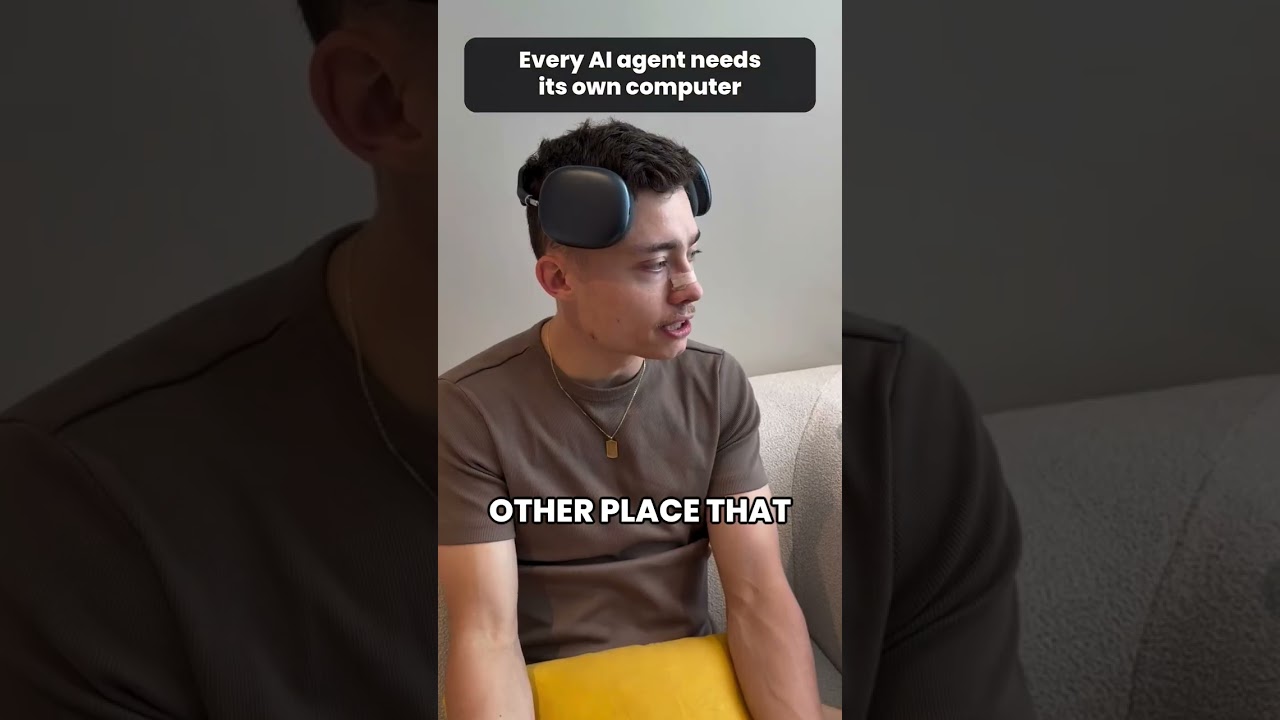
Even with high-end hardware like a MacBook boasting 128 GB of RAM, local execution has a ceiling. As David Ondrej notes, running 20 to 40 agents in parallel creates immediate physical and logical friction.
First, there is the physical toll. High-intensity agentic workflows involve constant loops of reasoning, tool use, and code execution, which keeps the CPU at high utilization. This leads to thermal throttling and massive battery discharge.
As the video highlights, "my computer just discharges and loses battery too fast," making it impossible to work in mobile environments like cafes or locations with patchy internet.
Logical Conflicts and Git Worktrees
Beyond hardware, there is the issue of file system management. If multiple agents are working on the same codebase simultaneously, they will attempt to modify the same files and commit to the same Git branches.
To prevent these agents from "conflicting in the same Git checkout," developers have to implement complex worktree strategies. This adds a layer of management overhead that becomes increasingly difficult to sustain as the number of agents grows.
Technical Deep Dive
The shift from local execution to dedicated cloud environments is a move toward ephemeral, containerized execution. In a professional agentic architecture, an agent should not just be a script running in a terminal; it should be an isolated entity within a virtualized environment.
For context, modern agent frameworks often rely on Docker or micro-VMs (like AWS Firecracker) to provide this isolation. Instead of an agent sharing your MacBook's kernel and file system, each agent is spun up in its own lightweight container.
This solves the Git conflict issue mentioned by Ondrej. In a cloud-native setup, each agent operates within its own unique filesystem and Git repository. They can perform destructive operations, install dependencies, and manage branches without ever touching the developer's host machine.
Furthermore, this architecture enables asynchronous persistence. When an agent is running in the cloud, its state is decoupled from your local connection. As Ondrej points out, "with the cloud agents, you can just fire off a few cute messages, and they work even while your internet is like, you know, patchy or flaky."
This means the agent's lifecycle is managed by a cloud orchestrator. Even if your laptop dies or your Wi-Fi drops, the agent continues its loop of observation, thought, and action in the cloud, reporting back once you are back online.
Why This Matters
As we move from simple chatbots to autonomous agents that can write code and manage infrastructure, the demand for compute will explode. Relying on local hardware is a recipe for developer burnout and system instability.
Transitioning to a "one agent, one computer" model allows for massive horizontal scaling. You can scale from 10 agents to 1,000 agents simply by provisioning more cloud instances, rather than being limited by the thermal capacity of your laptop's chassis.
Ultimately, this approach turns AI agents from fragile local scripts into robust, distributed microservices that can operate 24/7 without human supervision.