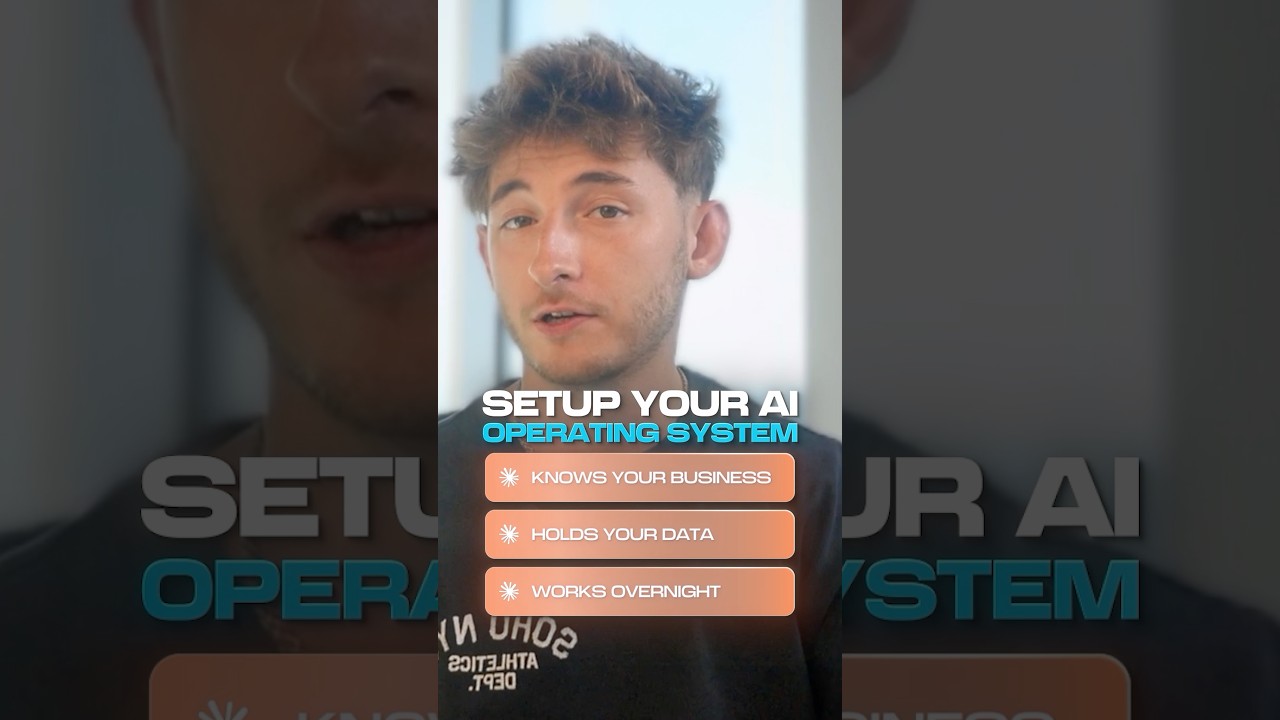
Ever wondered if your computer could think like a human and run its own brain? In this video we unpack the basics of building an AI operating system.
The Simple Version
Think of an AI OS as a smartphone that learns your habits and adjusts itself. It’s like a personal assistant that manages hardware, apps, and data without you lifting a finger.
How It Actually Works
Core Concepts
The OS sits on top of a regular OS and adds a layer that runs AI models, schedules tasks, and routes data.
Key Components
You’ll use container orchestration, model serving APIs, and a lightweight runtime to keep everything fast and modular.
Technical Deep Dive
We show a Dockerfile that builds a custom image, a Kubernetes manifest for scaling, and a Python script that loads a LLM for decision making.
Configuration is handled via YAML files that define resource limits, model endpoints, and security policies.
Why This Matters
An AI OS can cut deployment time from weeks to minutes, letting developers focus on logic instead of infrastructure.
It also opens new possibilities for adaptive software that personalizes itself for each user.
Key Takeaways
- An AI OS blends traditional OS functions with AI‑driven automation.
- Containers and orchestration keep services portable and scalable.
- Model serving APIs let you swap intelligence without rewriting code.
- Security policies are essential to protect user data.
- Real‑world impact includes faster AI product cycles and smarter apps.