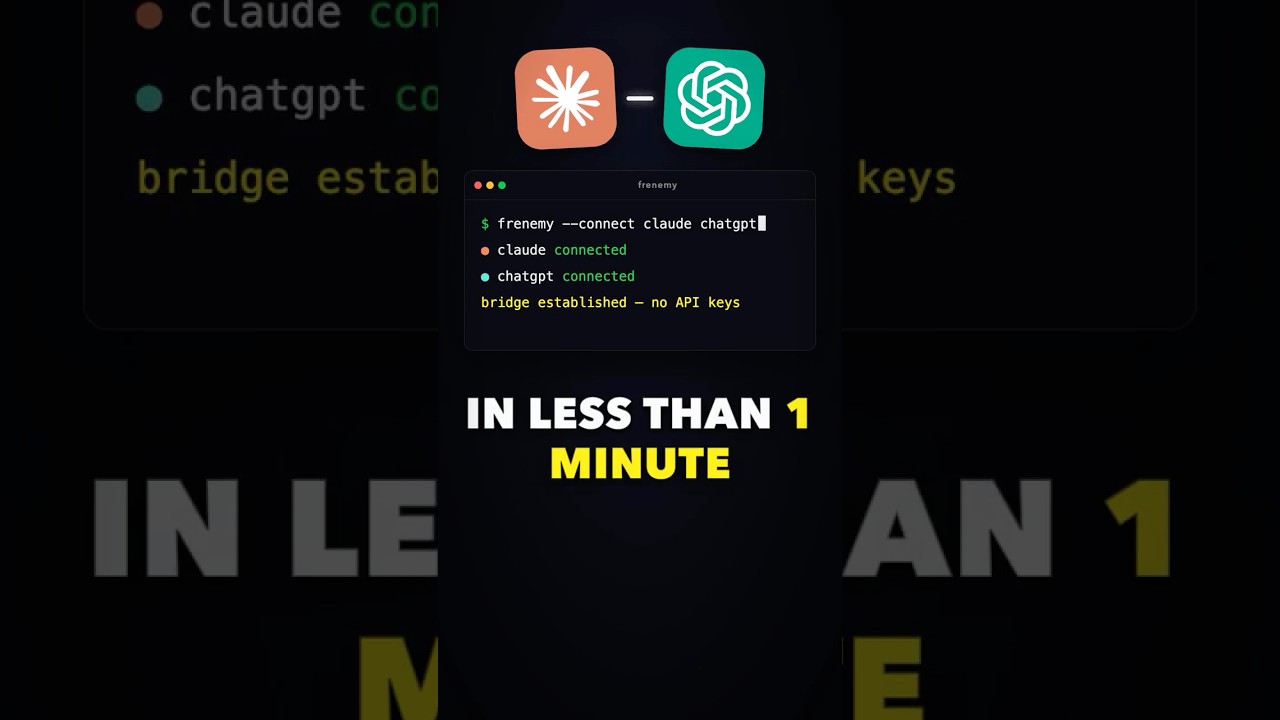
Want to chat with two of the most powerful AI models side‑by‑side without paying for APIs? In under a minute you can have Claude and Codex sharing a conversation on your own machine.
The Simple Version
Think of Frenemy as a tiny bridge that lets two AI assistants talk to each other on your computer. It’s like giving them a private walkie‑talkie so they don’t need the internet or extra accounts.
How It Actually Works
Step 1: Install Frenemy
Run the single command from the repo and the tool sets up a local server.
Step 2: Launch Claude and Codex
Start each model in its own terminal; Frenemy watches for messages and routes them.
Step 3: Let Them Talk
The bridge forwards text back and forth, creating a back‑and‑forth dialogue.
Technical Deep Dive
Frenemy is built with Node.js and uses WebSocket sockets for real‑time messaging. It runs a lightweight proxy that captures output from each model’s stdout and injects it into the other’s input stream. No API keys are stored; everything stays on localhost, which improves privacy and eliminates cost.
The repository includes a config file where you can set timeout limits and message buffering. Developers can extend the bridge by adding custom middleware written in JavaScript.
Why This Matters
Being able to pair models locally means you can experiment with multi‑agent workflows without exposing data to third‑party services. It opens the door for private chatbots, automated testing, and rapid prototyping on a laptop.
For teams, this approach reduces reliance on costly API quotas while still delivering rich, interactive AI experiences.
Key Takeaways
- Frenemy provides a zero‑cost way to link Claude and Codex.
- Installation is a single command and runs entirely offline.
- Uses local WebSocket communication for fast, private messaging.
- No API keys or external services are required.
- Developers can customize the bridge with simple JavaScript.
- Great for testing multi‑model conversations without internet.
- Privacy‑first design keeps all data on your machine.