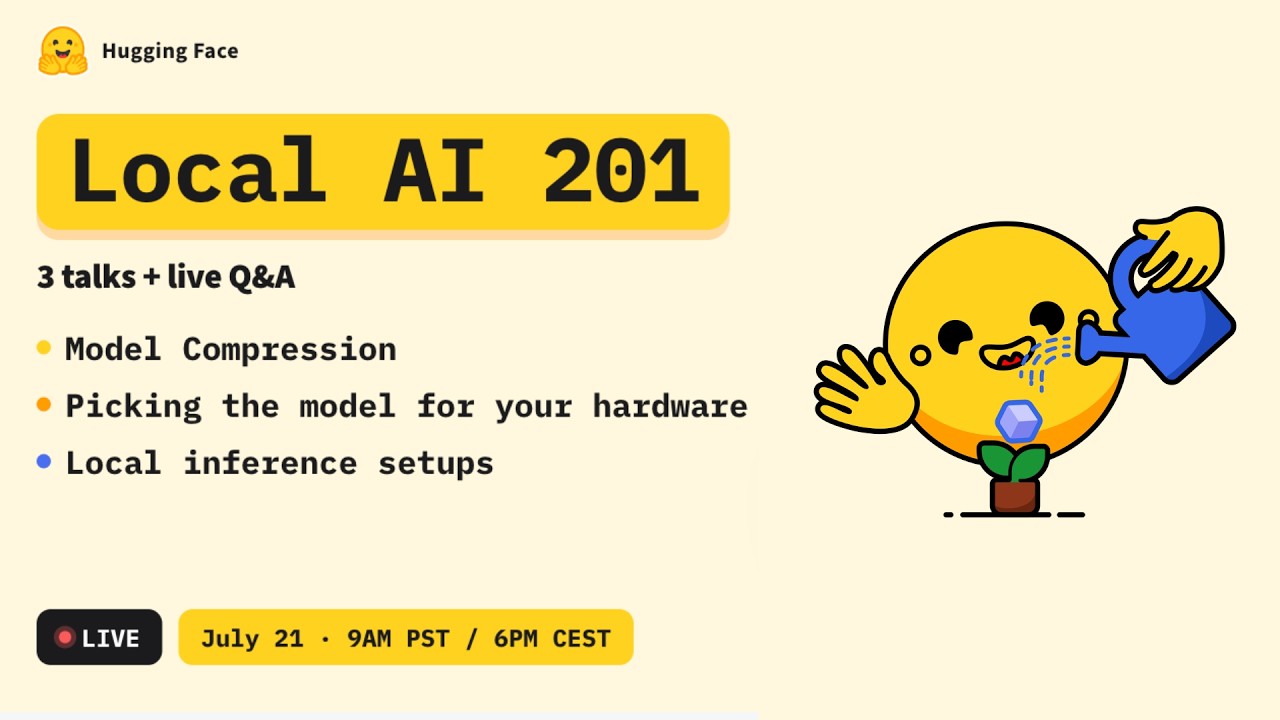
Want to run AI models on your own machine without paying for cloud credits? This livestream shows you how to set up a local AI workstation and serve models instantly.
The Simple Version
Think of your computer as a personal kitchen where you can cook any AI recipe you want, without ordering takeout.
How It Actually Works
Environment Setup
You install Python, CUDA, and the required libraries to make the GPU talk to your code.
Model Loading
Using Hugging Face Transformers, you download a model file and load it into memory.
Serving the Model
You expose an API endpoint that other apps can call to get predictions.
Technical Deep Dive
We walk through a minimal Flask app that loads a quantized LLaMA model and returns JSON responses.
Code Overview
The script imports torch, loads the model with AutoModelForCausalLM.from_pretrained, and defines a /predict route.
Why This Matters
Running models locally protects privacy, cuts costs, and eliminates latency spikes from internet trips.
It also lets developers experiment without waiting for cloud queues, fostering rapid prototyping.
Enterprises can deploy secure AI pipelines on‑prem, meeting compliance and reducing vendor lock‑in.
Key Takeaways
- Local AI = offline, private, cheap.
- GPU drivers and CUDA are the foundation.
- Transformers + Flask = quick serving.
- Quantization shrinks model size dramatically.
- You can scale from hobby to production.
- Security and compliance improve with on‑prem deployment.
- Learning local setup future‑proofs your AI skills.